
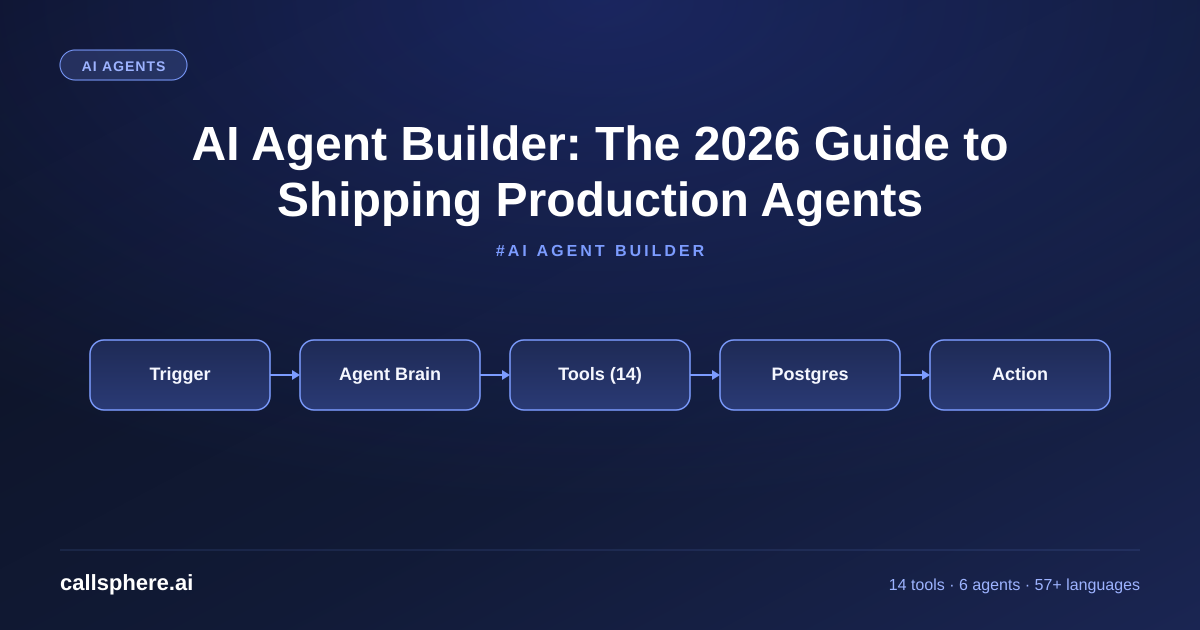
AI Agent Builder: The 2026 Guide to Shipping Production Agents
An AI agent builder lets you ship voice and chat agents without rewriting your stack. Here is how CallSphere's builder works, pricing, and a 14-day trial.
TL;DR
- An AI agent builder is the platform layer between a raw LLM API and a deployed phone or chat agent — it handles prompts, tools, telemetry, and routing.
- I run six live agents on CallSphere's builder across healthcare, real estate, sales, salon, after-hours, and hotels with 14 function tools and 20+ Postgres tables.
- A no-code AI agent builder should let a non-engineer ship a working agent in under an hour and still expose enough surface for a senior engineer to wire SIP, RAG, and webhooks.
- CallSphere starts at $149/mo Starter, $499/mo Growth, $1,499/mo Scale, with a 14-day free trial and no card.
What is an AI agent builder
An AI agent builder is the production layer that sits between the raw LLM API and a working agent your users actually talk to. The primary keyword here is doing real work: an ai agent builder has to handle the system prompt, the function tools, the memory store, the telemetry, the voice or chat transport, the security boundaries, and the multi-tenant routing. If your builder only handles prompts and ignores tool execution and observability, you do not have a builder — you have a wrapper.
I am Sagar Shankaran, the founder of CallSphere (callsphere.ai). We ship six live AI voice and chat agents in production: healthcare voice with a HIPAA BAA path, real estate voice for lead qualification, an outbound sales call agent, a salon booking agent, an after-hours escalation agent, and a hotel concierge agent. Every one of them is configured and deployed through the same builder surface. That is the lens I am writing this guide from.
Topics covered in depth
- How to build an AI voice agent from scratch
- Function tools every voice agent needs
- No-code AI agent platforms compared in 2026
- RAG for voice agents with pgvector
- Multi-tenant agent architecture
- Voice agent latency benchmarks: under 800ms
- Best AI agent platform comparison
How to create an AI agent that actually works in production
The honest version of how to create an AI agent in 2026 is shorter than most tutorials make it look. You need four moving parts: a system prompt that names a role and a refusal list, a small set of function tools wired to your real systems, a memory store that survives across calls, and a transport layer (WebRTC, SIP, or chat). Everything else is decoration.
On CallSphere I keep the system prompt under 6,000 tokens and lean on prompt caching, because cached input on GPT-Realtime-2 is roughly 80x cheaper than fresh input. I keep the tool count tight — most of our verticals run 8 to 14 function tools, not 40. And I keep the memory schema flat: a calls table, a conversations table, a contacts table, a tickets table, and a few vertical-specific tables like appointments or listings.
The mistake I see most often is teams treating the system prompt as the entire product. A great prompt with no tools cannot book an appointment, cannot transfer a call, and cannot log a CRM event. A good builder forces you to ship the tools at the same time as the prompt.
How to create AI agents without writing a transport layer
If you ask me how to create AI in 2026 without becoming a telecom engineer along the way, the answer is: do not build the transport. WebRTC is solvable. SIP trunks and carrier compliance are not, unless you have months. A good builder hides the SIP edge, the WebRTC SDP negotiation, the codec choices (Opus at 48kHz for browsers, PCMU at 8kHz for legacy carriers), and the failover routing behind one configuration screen.
On CallSphere, the transport layer is invisible to the operator. You connect a number, you pick a vertical, you pick a language (we support 57+), and the agent answers in under 800 milliseconds. The operator never touches Twilio dashboards, never edits TwiML, never debugs a one-way audio bug at 2am.
Best AI agent builder: what to look for in 2026
The phrase "best ai agent builder" has lost most of its meaning in marketing copy, so here is a working checklist I would use if I were buying instead of building.
Hear it before you finish reading
Talk to a live CallSphere AI voice agent in your browser — 60 seconds, no signup.
- Real tool execution, not just function-call simulation. The builder must hit your CRM, calendar, payments, and ticketing systems in production.
- Observability per turn. I want to see which tool was called, what arguments were passed, and what came back, for every single turn of every single call.
- Multi-tenant from day one. Row-level security, not a flag.
- Pricing tied to interactions, not seats. The $149 Starter on CallSphere covers 2,000 interactions. The $499 Growth tier (the popular one) covers more, and the $1,499 Scale tier handles 50,000.
- A real trial. 14 days, no card. If the builder is good, the trial is enough.
The best AI agent platform for a 10-person sales team is not the best AI agent platform for a 200-clinic dental group. Buy for your shape.
No code AI agent builder: where it works and where it breaks
A no code ai agent builder is a fair starting point for 70% of teams, including most small businesses, single-clinic healthcare offices, independent real estate agents, and salon owners. You drag tools onto a canvas, you pick a voice, you wire a calendar, you ship.
It breaks in two predictable places. First, when you need a custom integration to a homegrown EHR or a niche CRM that does not exist in the connector library — that needs an engineer for a half-day. Second, when you need fine-grained guardrails (no diagnoses, no scheduling controlled substances, no quoting a price outside a range) — those are still better written in code or in a structured policy file rather than clicked together.
CallSphere ships as a no-code AI agent platform on the surface, with an escape hatch into raw config and webhooks for anyone who needs it. That is the right shape for most teams.
How CallSphere does this in production
CallSphere is built on GPT-Realtime-2 with a 128K context window, Postgres with pgvector for retrieval, and our own orchestration layer. We expose 14 function tools across the six vertical agents — examples: book_appointment, check_insurance, transfer_to_human, send_followup_sms, create_ticket, lookup_listing. Every tool call writes a row to the tool_calls table; every call writes to the calls table and the conversations table; every CRM event writes to crm_events. The schema is around 20 tables total.
Transport runs on WebRTC for the browser and SIP for the PSTN side. Voices come from a managed pool covering 57+ languages, with per-tenant language overrides. The whole system runs out of a k3s cluster and bills per interaction, not per minute.
Setup time for a new tenant is 3 to 5 business days for the first vertical, mostly spent gathering data (calendar credentials, FAQ, escalation rules) rather than configuring software.
A real example walk-through
A 12-clinic dermatology group came to us in March. They were paying a national answering service $7,800 a month, missing roughly 28% of after-hours calls, and getting paper SOAP-note-style transcripts back the next morning with no structured data.
We mapped them to the healthcare voice agent. Setup took four business days: one day on calendar integration with their EHR, one on the insurance-check tool, one on after-hours escalation rules, and one on staff training. They went live on a Tuesday on the $499/mo Growth tier.
Still reading? Stop comparing — try CallSphere live.
CallSphere ships complete AI voice agents per industry — 14 tools for healthcare, 10 agents for real estate, 4 specialists for salons. See how it actually handles a call before you book a demo.
In their first 30 days the agent handled 4,100 calls, booked 612 new appointments, escalated 91 to a human, and produced structured rows in the appointments table for every booking. Their answering service contract is being canceled this month.
Pricing and how to try it
CallSphere pricing is straightforward and tied to interactions, not seats:
- Starter $149/mo — 2,000 interactions, one vertical agent.
- Growth $499/mo — the popular tier, more interactions, multiple agents.
- Scale $1,499/mo — 50,000 interactions, all six verticals, priority support.
- Annual billing saves roughly 15%.
There is a 14-day free trial with no credit card required, and our affiliate program pays 22% revenue share in year one if you are a consultant or agency.
Start your 14-day free trial of the AI agent builder
Frequently asked questions
What is an AI agent builder in 2026? An AI agent builder is a platform that handles every layer between the raw LLM API and a working voice or chat agent your users actually interact with. That includes prompt management, function-tool execution, memory, observability, and transport. On CallSphere, the builder wraps GPT-Realtime-2, pgvector, Postgres, WebRTC, and SIP into one configuration surface so a non-engineer can ship a vertical agent in under an hour and an engineer can still tune the system prompt, tools, and webhooks directly.
How do I create an AI agent without an engineering team? Pick a no-code AI agent builder with prebuilt verticals, wire a calendar and a CRM, paste in your FAQ, set a couple of guardrails, and turn it on. On CallSphere most operators go from sign-up to first live call in 3 to 5 business days, and the bulk of that time is collecting real data — calendar credentials, escalation rules, and FAQ content — rather than configuring the platform. The 14-day free trial is enough to ship a working agent.
What is the best AI agent builder for small businesses? For solo operators and teams under 20, the best AI agent builder is whichever one matches your vertical, supports your language, and bills per interaction rather than per seat. CallSphere's $149 Starter tier covers 2,000 interactions a month and is sized for single-clinic healthcare offices, salon owners, and independent real estate agents. The $499 Growth tier is where most multi-location SMBs end up.
How do I make an AI agent that can answer phone calls? You need three things: a phone number, an agent built on a voice-capable model like GPT-Realtime-2, and a transport layer to bridge the call to the model. Building the transport layer yourself takes months of carrier and codec work. On CallSphere we ship that transport already wired, so making an AI agent that answers a phone call is a matter of connecting a number, picking a vertical, and going live.
Is a no-code AI agent builder good enough for production? For 70% of teams, yes. No-code AI agents handle scheduling, qualification, FAQ, and basic CRM updates without an engineer. The 30% who hit the ceiling usually need a custom integration to a homegrown system or fine-grained policy controls. CallSphere covers both — no-code on the surface, with raw config, webhooks, and tool-level overrides underneath.
What is the best no-code AI agent platform? The best no-code AI agent platform is the one with the verticals you need, transport included, and pricing that scales with usage. I am biased — CallSphere ships six live verticals, 57+ languages, and 14 function tools, on a $149 to $1,499 monthly range, and there is a 14-day free trial. If your vertical is not one of ours, look at platforms that publish their tool surface and per-interaction pricing rather than ones that hide it.
How long does it take to deploy an AI agent in production? On CallSphere, 3 to 5 business days for the first vertical. Most of that time is yours, not ours — pulling calendar credentials, writing escalation rules, and collecting FAQ content. The platform itself is configured in hours. Teams that try to build an agent in-house on raw APIs usually spend 3 to 6 months getting to feature parity with a managed builder, mostly on the transport and observability layers.
Related reading
Try CallSphere AI Voice Agents
See how AI voice agents work for your industry. Live demo available -- no signup required.