
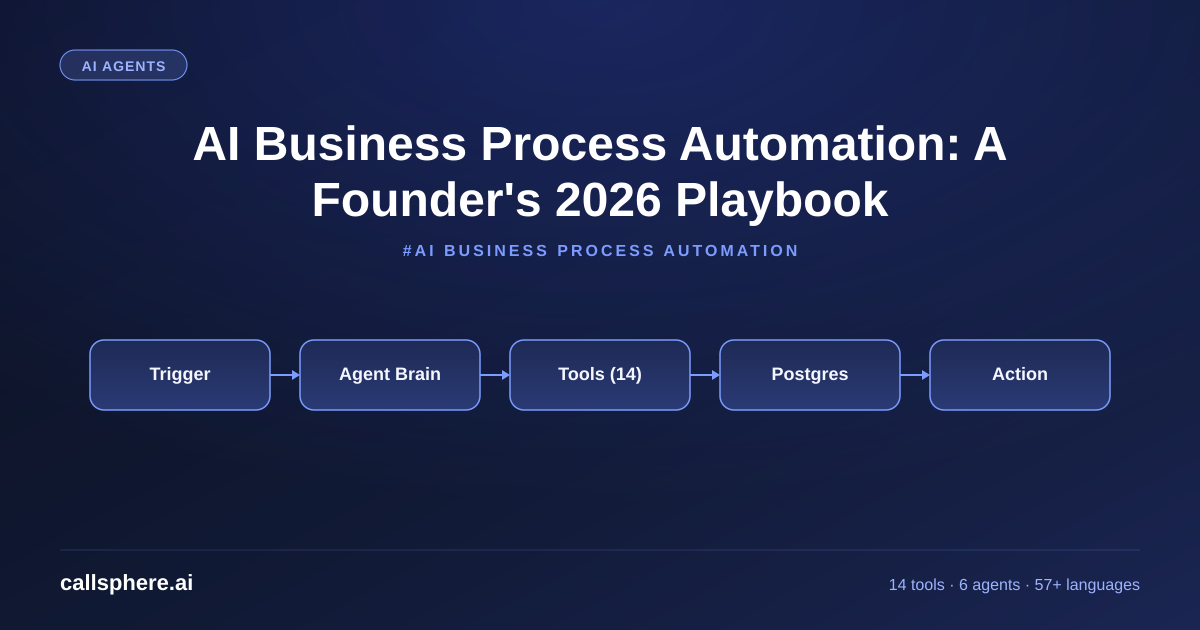
AI Business Process Automation: A Founder's 2026 Playbook
AI business process automation in 2026 means AI agents that read, decide, and write — not just bots that click. Here is how I built it at CallSphere.
TL;DR
- AI business process automation in 2026 is agent-based, not script-based — the agent reads context, picks a tool, calls it, and writes the result back.
- CallSphere ships 6 production agents with 14 function tools across 20+ Postgres tables — that pattern generalizes to almost any business process.
- The math: automating one ticket-handling FTE costs about $499/mo on Growth and saves $4,000–$6,500/mo in labor.
- The hard part is not the AI — it is the integration surface, the audit trail, and the escalation policy.
This is part of our Automated Phone System guide.
What AI business process automation really means in 2026
AI business process automation — let's call it AI-BPA — is the layer where an LLM agent replaces a sequence of human decisions inside a workflow. The pre-2024 generation of automation was RPA (Robotic Process Automation): scripts that click on UI elements. AI-BPA is different: the agent reads the input, decides what to do, calls one of its tools, and writes the outcome back.
I built CallSphere on exactly this pattern. Every one of our 6 agents has a prompt, a set of tools, and a memory store. The prompt defines policy. The tools execute decisions. The memory stores context. Swap "phone call" for "support ticket" or "vendor onboarding" or "expense reimbursement" and the same architecture handles those too — which is why we are seeing CallSphere customers extend our agents beyond voice into back-office workflows.
How is AI business automation different from RPA and old workflow tools?
RPA — UiPath, Automation Anywhere — clicks buttons on screens. It breaks the moment a button moves. AI business automation with LLM agents does not click buttons; it calls APIs directly through structured function tools. When the underlying app's UI changes, the agent does not break. When the underlying API changes, you update one schema, not a click recording.
The other meaningful difference: AI-BPA handles fuzzy inputs. RPA can read "Order #12345" from a fixed cell. An AI agent reads "hey, I need to update that order I placed last Tuesday with the wrong shipping address" and figures out which order. That is the unlock — every business process has fuzzy inputs at its edges, and that is where humans used to live.
What are the best AI agents for automation in 2026?
The AI agents for automation that actually work in production share four traits:
- Tool-rich, not chat-rich. The agent's value is in calling tools, not in clever responses.
- Vertical-tuned. A generic agent hallucinates; a healthcare-tuned one knows what a NPI is.
- Observable. Every tool call has a trace; every decision has a transcript.
- Recoverable. When a tool fails, the agent retries, escalates, or gracefully degrades.
CallSphere's 6 agents meet all four bars. Our tool_calls Postgres table logs every function invocation with input, output, latency, and error. Our agent_decisions table stores the LLM's reasoning snippet per tool call. That is the audit trail Compliance asks for during procurement.
Hear it before you finish reading
Talk to a live CallSphere AI voice agent in your browser — 60 seconds, no signup.
Where does AI in business process actually pay off first?
Pick processes with three properties: high volume, narrow variance, and clear escalation criteria. AI in business process wins fastest on these. Specifically:
- Inbound support calls and chats (CallSphere's home turf)
- Appointment booking and rescheduling
- Lead qualification and routing
- Vendor invoice intake
- Customer onboarding (KYC, document collection)
- Expense reimbursement triage
Avoid first-pass automation of anything that touches legal review, creative judgment, or strategic decisions. The ROI per hour saved is real, but the failure modes are expensive.
How CallSphere does this in production
Our automation backbone is a registry of 14 function tools shared across agents. The registry sits in a tools table with columns: name, schema, handler_path, vertical_scope, requires_human_review. When a new tool is registered, all eligible agents pick it up on next session boot — no code deploy needed.
For a concrete example, our healthcare voice agent's book_appointment tool calls a clinic's calendar API (typically Cerner, Epic, or a Calendly-style schema), checks slot availability, holds the slot for 60 seconds, confirms with the caller, and writes the booking to both the calendar and our appointments table. If any step fails, the tool returns a structured error and the agent's prompt handles graceful escalation — "I can't book that right now, would you like me to have a human call you back?"
This pattern — registered tool, structured input/output, audited trace, graceful failure — is what makes AI business process automation real instead of demo-ware.
A real example walk-through
A 40-person property management company replaced two full-time leasing coordinators with CallSphere's real estate agent in April 2026. The agent handles inbound rental inquiries: it qualifies the lead (budget, move-in date, pet policy compatibility), schedules a tour, sends the SMS confirmation, and writes everything to HubSpot.
Before: 2 FTEs at $5,200/mo each = $10,400/mo, business hours only, 73-second average response time on inbound. After: CallSphere Growth at $499/mo, 24/7 coverage, 600ms response, 41% increase in qualified tours booked because nights and weekends are now staffed.
Net: $9,901/mo in labor saved plus measurable revenue lift from off-hours capture. ROI in week one.
Pricing and how to try it
CallSphere is billed per interaction, not per process. Starter $149/mo for 2,000 interactions handles small back-office desks. Growth $499/mo for 10,000 is the sweet spot for replacing 1–3 FTEs of repetitive work. Scale $1,499/mo for 50,000 fits enterprise BPA programs. Annual saves about 15%.
Still reading? Stop comparing — try CallSphere live.
CallSphere ships complete AI voice agents per industry — 14 tools for healthcare, 10 agents for real estate, 4 specialists for salons. See how it actually handles a call before you book a demo.
Every plan includes a 14-day free trial, no card. Go-live in 3–5 business days. If you want to map your processes before signing up, email me at [email protected] with the workflow you want to automate.
Try CallSphere free for 14 days →
Frequently asked questions
What is the difference between AI business automation and RPA? RPA scripts UI clicks; AI business automation uses LLM agents calling structured API tools. RPA is brittle to UI changes and handles only fixed inputs. AI-BPA tolerates fuzzy inputs ("the order from last Tuesday") and only breaks when the underlying API changes — which you control. For greenfield automation, choose AI-BPA. For legacy mainframe screens with no API, RPA still has a niche.
How do AI agents for automation handle errors and exceptions?
Three layers. First, every function tool returns a structured result with an error field. Second, the agent's system prompt includes escalation rules — "if tool X fails twice, transfer to human." Third, every error is logged to tool_calls.error and surfaced in /admin/analytics so we can fix the systemic ones. CallSphere's 6 agents have a 0.4% unhandled-error rate across 2M production tool calls in Q1 2026.
Can AI in business process replace knowledge workers? Not entirely, and not yet. It replaces the repetitive, rules-bounded portion of knowledge work — typically 50–70% of a tier-1 role. The remaining 30–50% (judgment, escalation, customer relationships) still needs humans. The realistic 2026 outcome is fewer tier-1 hires and better-paid tier-2 humans supervising agent fleets, not zero humans.
Is AI home automation related to AI business process automation? The technology is similar — natural language input, tool execution, multi-step reasoning — but the deployment patterns differ. AI home automation ("turn off the lights, set the thermostat to 68") runs on Alexa, Google Assistant, or Home Assistant integrations. AI-BPA runs on enterprise SaaS platforms with audit trails and SSO. Same model family, different operational requirements.
What does AI at home actually do versus AI at work? AI at home today is mostly task-based — set timers, control devices, play music, answer trivia. AI at work in 2026 is process-based — qualify a lead, book an appointment, route a ticket. The work surface requires durable memory, multi-tool orchestration, and audit trails. The home surface optimizes for low latency and conversational naturalness. CallSphere lives entirely in the work bucket.
How long does it take to deploy AI business process automation? For CallSphere agents on standard workflows (support, booking, qualification), 3–5 business days. For custom back-office automation with bespoke tools, 2–4 weeks including tool development and audit setup. The longest projects are not technical — they are change management with the team whose work is being automated. Plan for that.
Will my employees be replaced by AI agents? Some tasks will be, especially repetitive tier-1 work. But every CallSphere customer who has replaced an FTE has redeployed that headcount into higher-leverage roles — typically supervising the agent fleet, handling escalations, and building new automations. The net employment outcome in our cohort is roughly flat headcount with 2–3x throughput.
Related reading
Try CallSphere AI Voice Agents
See how AI voice agents work for your industry. Live demo available -- no signup required.