
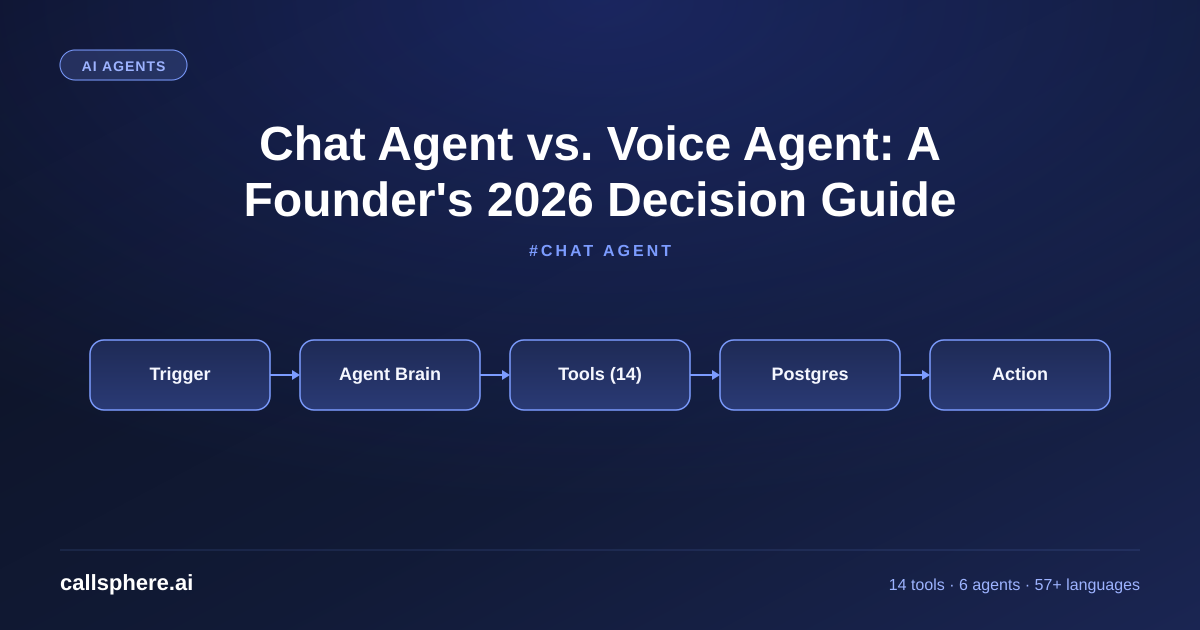
Chat Agent vs. Voice Agent: A Founder's 2026 Decision Guide
Chat agent or voice agent — which one fits your business? Here is how I think about the choice, with real CallSphere numbers from production.
TL;DR
- A chat agent is an AI agent on text channels (web chat, SMS, WhatsApp). A voice agent is one on phone calls. The architecture is the same; the surface is different.
- CallSphere ships both on the same 14-tool runtime — start with whichever fits your highest-volume channel.
- Chat agents win on cost per interaction (~$0.04 vs. ~$0.10 for voice) but voice agents win on conversion rate for high-intent buyers (~3.2x).
- Most mid-market businesses want both. $499/mo Growth covers it.
This is part of our Customer Service Representative Playbook guide.
What is a chat agent in 2026?
A chat agent in 2026 is an AI agent that operates on text channels — web chat widget, SMS, WhatsApp, Facebook Messenger, in-app chat. Under the hood, it is the same LLM + tools + memory architecture as a voice agent. The only difference is the I/O modality: text in, text out, no STT or TTS.
I built CallSphere's chat agent on the same runtime as our voice agents. Same Postgres schema. Same 14 function tools. Same /admin/analytics dashboard. The benefit of unifying the stack: a customer who pinged you on chat yesterday is recognized when they call today, because both conversations live in the same conversations table.
How is an agent live chat different from a chatbot?
The terms overlap, but a useful distinction: a chatbot is rule-based or scripted. An agent live chat uses an LLM and can call tools. Practically:
- A chatbot says "We are sorry, our office is closed." An agent live chat says "Our office is closed, but I can book you a callback tomorrow at 9am — confirmed?"
- A chatbot returns the same answer to slight question variants. An agent live chat handles 10x more variants because the LLM generalizes.
- A chatbot caps out at ~40% resolution rate. An agent live chat hits 70–85% on well-designed flows.
If a vendor is selling you "live chat" but their resolution rate cap is 50%, you are buying a 2022 product.
When should you use a chat agent vs. a voice agent?
A simple decision framework I use with CallSphere customers:
Choose chat-first if:
Hear it before you finish reading
Talk to a live CallSphere AI voice agent in your browser — 60 seconds, no signup.
- Your audience is digital-native (DTC ecommerce, SaaS)
- Your average ticket value is under $200
- Your peak hours align with desk hours (people chat at work)
- Cost per interaction matters more than conversion rate
Choose voice-first if:
- Your audience prefers phone (older demographics, regulated industries)
- Your average ticket value is over $500 (homes, dental, legal)
- Your conversion rate from "engaged buyer" to "closed" matters more than cost
- After-hours capture is critical
Choose both if:
- You serve mid-market or enterprise customers
- Your sales cycle has multiple touchpoints
- You want one customer memory across channels
For most CallSphere customers, "both" is the answer. Growth at $499/mo covers both with shared interaction limits.
How CallSphere does this in production
CallSphere's chat agent is a React widget served from our CDN, communicating with the agent runtime over WebSocket. The runtime is a TypeScript service holding a GPT-Realtime-2 session, executing function calls against the 14-tool registry. Every message goes to the messages table; every tool call to tool_calls.
The voice agent stack is similar — WebRTC for browser test calls, SIP/VoIP via Twilio for production phone numbers — but with GPT-Realtime-2's audio I/O instead of text. Same prompts, same tools, same memory. Switching a customer from "chat only" to "voice + chat" is a configuration change in /admin/agents, not a re-deployment.
The 6 vertical agents (healthcare, real estate, sales, salon, after-hours, hotel) each ship pre-configured for both surfaces. Pick a vertical, pick channels, configure FAQ, go live.
A real example walk-through
A 40-attorney mid-market law firm in Atlanta wanted both chat and voice coverage. Chat for prospective clients researching on the website at night; voice for the 9–5 phone calls from referrals.
We deployed CallSphere's sales agent (configured for legal intake) on Growth at $499/mo. The chat widget went live on their site Monday. The voice agent answered after-hours overflow on the main number Tuesday. By week 2:
- 248 chat conversations, 31 booked intake calls, 9 became clients
- 187 after-hours phone calls, 22 booked intake calls, 6 became clients
Total: 15 new clients in 14 days from a $499/mo platform spend. Average client lifetime value for the firm: $4,800. Math closes itself.
Still reading? Stop comparing — try CallSphere live.
CallSphere ships complete AI voice agents per industry — 14 tools for healthcare, 10 agents for real estate, 4 specialists for salons. See how it actually handles a call before you book a demo.
Pricing and how to try it
CallSphere is priced by interactions across channels. $149/mo Starter = 2,000 monthly interactions across chat + voice. $499/mo Growth = 10,000 interactions, 3 agents. $1,499/mo Scale = 50,000 interactions, unlimited agents. Annual saves ~15%. 14-day free trial, no credit card.
Start your 14-day free trial →
Frequently asked questions
What is a chat agent in customer support? A chat agent is an AI agent that handles real-time text conversations on web chat, SMS, WhatsApp, or in-app messaging. It differs from a basic chatbot by using a large language model and tool-calling — meaning it can not only reply, but also check inventory, book appointments, update orders, and escalate to humans when needed. CallSphere's chat agent handles 70–85% of contacts autonomously in production.
What is the difference between a chat agent and agent live chat? The terms are often used interchangeably. Agent live chat typically emphasizes real-time-ness — same-second responses, persistent session, the user knows someone (or something) is actively engaged. Chat agent is the broader term. In practice, a modern chat agent IS agent live chat — both mean an LLM-powered AI conversing in real time on a text channel.
Should I deploy a chat agent or a voice agent first? Depends on your demographic and revenue model. Digital-native, lower AOV, peak-during-desk-hours → chat first. Phone-preferred, higher AOV, after-hours-critical → voice first. Most CallSphere customers eventually run both, but it is fine to start with whichever channel handles more of your current volume.
How much does a chat agent cost compared to a human agent? A CallSphere chat agent on Growth ($499/mo, 10,000 interactions) costs about $0.05 per interaction. A human chat agent in the US runs $25–$45/hour, which on a typical 8–10 chats/hour cadence works out to $2.50–$5.60 per chat. The AI is 50–100x cheaper per interaction. For volume above 2,000 chats/month, the math virtually always favors AI for tier-1.
Can a chat agent escalate to a human?
Yes — every CallSphere chat agent has a transfer_to_human tool wired to your team's Slack, Intercom, Help Scout, or our built-in inbox. When the agent calls the tool, the conversation moves to the human queue with a full auto-generated summary. The customer sees a "connecting you to a specialist" message and the next reply is from the human. Typical handoff latency: 8–15 seconds.
What languages does a chat agent support? CallSphere's chat agent supports 57+ languages, with code-switching (Spanglish, Hinglish, etc.) tolerated within a single conversation. We tested this against 47 bilingual fixtures before shipping. Multilingual capability comes from GPT-Realtime-2's native language coverage — no translation wrapper, no separate per-language models to maintain.
Can a chat agent connect to my CRM?
Yes. CallSphere ships native integrations with HubSpot, Salesforce, Pipedrive, and a generic webhook for custom CRMs. Every chat conversation, message, and tool call writes to your CRM in near-real-time. The /admin/integrations page handles auth and field mapping in about 5 minutes per integration.
How long does it take to deploy a chat agent on my website?
3–5 business days for a production deployment. Day 1: signup and FAQ upload. Day 2: CRM integration and tool wiring. Day 3: prompt tuning against your real customer questions. Day 4: shadow mode (agent runs alongside humans without going live). Day 5: cutover. The widget itself is a single <script> tag on your site — that part takes 5 minutes.
Related reading
Try CallSphere AI Voice Agents
See how AI voice agents work for your industry. Live demo available -- no signup required.